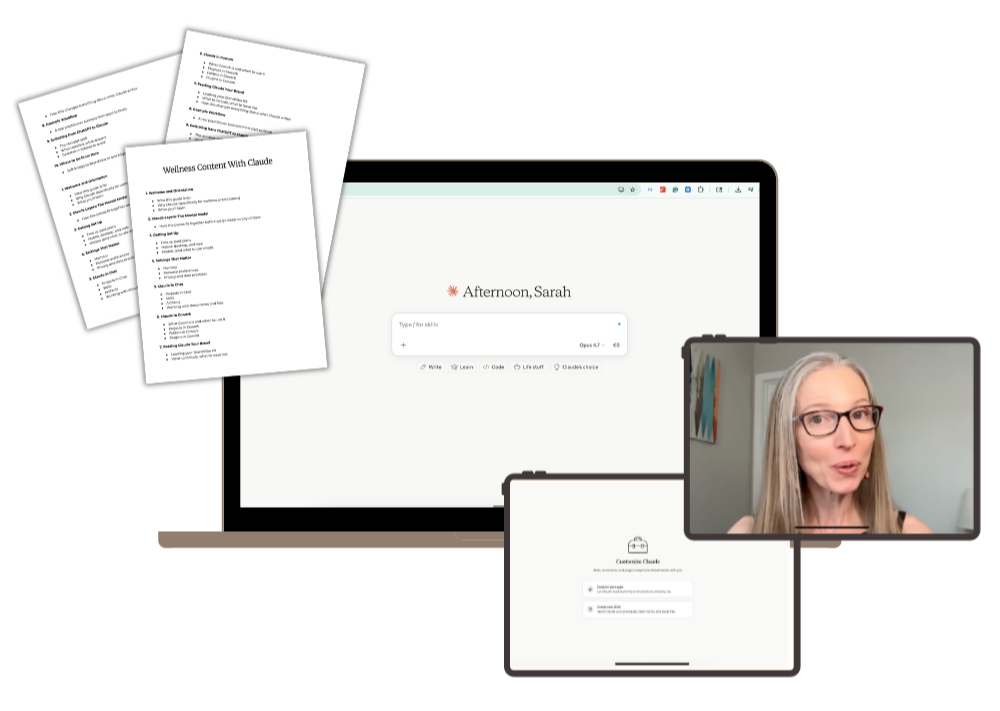
The AI Ascension Ladder
Oct 01, 2026
QUICK OVERVIEW
How do I keep up with all the new AI features in ChatGPT and Claude?
You don't have to keep up with all of them. Find the rung you're on, build that one well, and climb only when the rungs below you are solid.
In this post, you’ll learn:
- What all the AI buzzwords actually mean
- The seven rungs of the AI Ascension Ladder, from Chat to Agents
- Four questions to ask before you hand anything new to AI
It can feel like everyone else is doing really advanced things with AI.
Their AI has a business brain. It has employees. It runs their whole business while they're at Pilates.
And you're over here wondering if you're 20 light years behind.
Part of what makes it so confusing is the words. The words people use to describe things related to AI are mostly arbitrary at this point, because none of these things even existed a couple of years ago.
So you hear you need a Business Brain? That's your brand messaging and voice doc (I call it your BrandVibe Kit).
You want to create a Role? That's a Project.
You hear you need Employees? Usually Skills.
I like to call things what they are.
And once you see the simple structure underneath all the buzzwords, AI gets a lot less overwhelming. That structure is a ladder. When you know which rung you're on, you know exactly where to put your energy, and what you can safely ignore for now.
The AI Ascension Ladder
The ladder moves from the simplest way to use AI to the most complex. Seven rungs. Each one builds on the one below it, and it works the same whether you use ChatGPT or Claude.
Rung 1: Chat
WHAT IT IS
The conversation. You ask a question, it answers, you go back and forth. You review what it gives you and ask for changes.
THE PURPOSE
Iteration. Chat gives you granular control over every line.
EXAMPLE USE CASE
You're between patients and need three subject line options for tomorrow's email. You ask, you get them, you move on.
Rung 2: Projects
WHAT IT IS
A dedicated workspace inside your AI where you upload files once. Every chat inside that project has access to them.
THE PURPOSE
Context and organization. Instead of re-explaining who you are in every chat, you load it once.
EXAMPLE USE CASE
You upload your brand messaging document into a project. Now every draft already knows who you are, who you serve, and what you offer.
Rung 3: Skills
WHAT IT IS
A Skill is a saved set of instructions that's always available to your AI.
Projects hold your standing context. Skills hold your standing instructions.
THE PURPOSE
Consistency. Some tasks you do every week. Some you do rarely, but they have to be done a certain way. Skills hold the recipe so the output comes out right every time.
EXAMPLE USE CASE
Here's how you write a sales page. Here's how you write a freebie landing page. Here's how you write an email newsletter. Here's how you build a carousel. Each of those is a Skill.
Rung 4: Connectors
WHAT IT IS
Connectors link your AI to the software you already use every day. Notion, Canva, Kajabi, Gmail, Google Drive. (In ChatGPT, you'll see these called plugins.)
THE PURPOSE
Getting the work out of AI and into the real world.
Rungs one through three help you write the copy. Connectors turn that copy into something real. A carousel designed in Canva. A landing page built in Kajabi. An email newsletter sitting in your email platform, ready to send.
EXAMPLE USE CASE
You're making coffee and an idea hits for next week's newsletter. You open your AI and say, "Add this to my topic ideas in Notion." Done.
Rung 5: Scheduled Tasks
WHAT IT IS
A scheduled task is a tested process set to run on its own at a set time.
THE PURPOSE
Automation. This is the first rung where the work happens without you starting it. You've already built and tested your Skills and connectors. Now you let them run.
EXAMPLE USE CASE
Every Monday morning at 9am, your AI scans the news in your niche and writes a summary with ideas for turning it into content. You didn't press a button. It just happened.
Rung 6: Computer Work
WHAT IT IS
You give your AI permission to work directly on your computer. Opening files in your folders. Editing a PowerPoint saved on your desktop. Working inside your browser.
It's a lot like connectors. The difference is where it goes. A connector reaches into cloud software like Canva or Notion. Computer work reaches into your own machine.
THE PURPOSE
Access to everything that only lives on your computer.
EXAMPLE USE CASE
You have years of content saved in folders on your laptop. You open the desktop app, grant access to those folders, and ask your AI to read through everything and pull out your core content pillars.
Rung 7: Agents
WHAT IT IS
An agent has autonomy. You give it a goal, and it figures out the steps on its own based on what you've given it access to.
With a connector, you name the task. Build this landing page in Kajabi. Design this carousel in Canva.
With an agent, you name the goal. It might check your email, see that a customer wants to cancel, find them in Kajabi, cancel the subscription, remove their tag, and then email you to say it's handled.
THE PURPOSE
Handing over the outcome instead of the process.
EXAMPLE USE CASE
Agents used to take real technical skill to build. Now you can pretty much just sign up for one.
- Grokbot lets you set up agents about as easily as you'd set up a project.
- Muse is Meta's agent for everyday people. It can check your schedule, book appointments, and call businesses for you.
- Dots is ChatGPT's version. You get one Dot on the $100/month plan or higher.
- Claude is testing a new version of agents in some of its higher tier plans as well.
There's even a level above agents. People are calling it an AI operating system: multiple agents coordinated together under one umbrella. That's the very top of the ladder, and outside what most practitioners need for their content creation.
Four questions I ask before climbing a rung
Every rung up usually means more connections and more permissions. So before I hand anything new to AI, I filter it through four questions.
- Will this save me time?
- Will this improve the quality?
- Is it worth the tokens?
- Is it worth the risk?
If the answers aren't a clear yes, I stay on the rung I'm on.
Know your rung
Every rung works better when the ones below it are solid.
Agents are getting easier to turn on every month. But an agent can only run on what you've built: your message, your voice, and the way you like things done.
So find your rung. Build it well. Then climb with intention.
FAQs about the AI Ascension Ladder
Which rungs are best for content creation?
Projects and Skills, with a connector or two once you're ready. That's where your brand foundation lives, and it's enough to write all of your marketing in your own voice.
Should I use ChatGPT or Claude?
Either one. Their features are very close right now, and both handle copywriting and content creation well. If you're comfortable with one, stay with it.
When should I use Chat instead of Work or Cowork?
Use Chat when you want the back-and-forth, like drafting an email or a sales page. Switch to Work or Cowork when you're delegating something with several steps, like turning a podcast transcript into a week of content. Work and Cowork also use more of your plan's usage.
Do I need the desktop app?
Not for most things. The browser version handles the first five rungs. You only need the desktop app when your AI has to reach files on your computer or work directly on it.